Volt Gaming
USB 3.0 VR Link Cable for Quest 2/3 and PICO 4 | 16 ft
Product details
Description
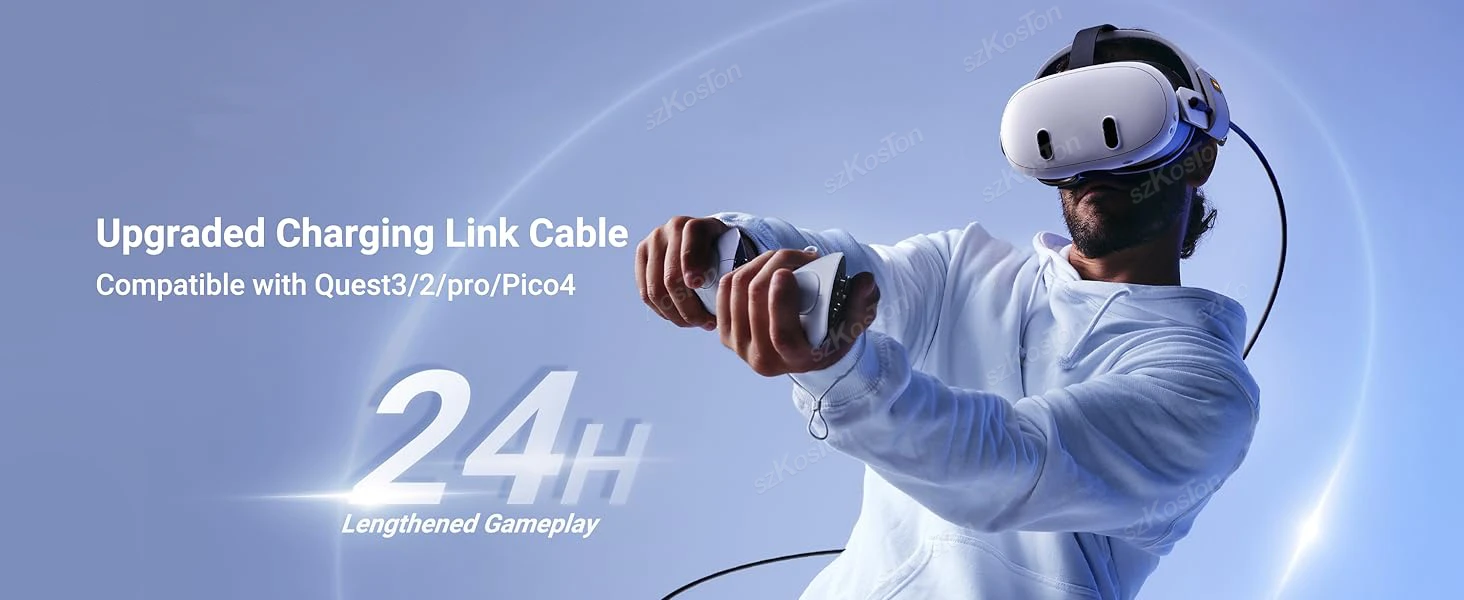
Universal USB3.0 VR Link Cable for Meta Quest 3S, Quest 3 /2 PICO 4 VR Headset Fast Charging Data Transfer Cord Accessories 16FT
Please note: This is a VR link cable and DO NOT use it to charge your phone, tablet, laptop, etc.
About this item
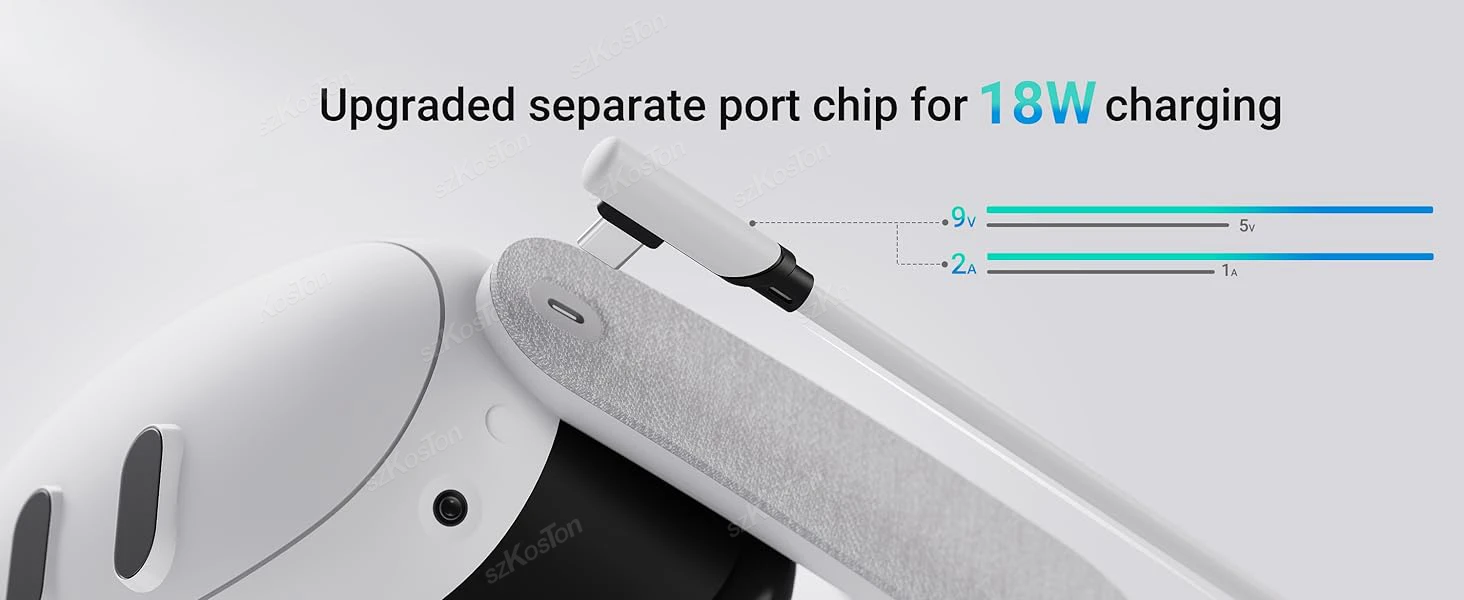
18W Fast Charging: The VR link cable with charging incorporates a separate 18W charging port, updated with a lasted internal charging board compatible with Meta Quest 3S/3/2. This enhancement enables simultaneous charging and gameplay through a wired connection to your computer. Note: For better charging performance, we recommend using an official or higher power charger.
USB 3.0 Link Configuration: Designed for seamless VR experiences, the VR link cable supports up to USB 3.0 data transmission. USB 3.0 theoretical transfer speeds of up to 5 Gbps (actual 2-3 Gbps).. The 16 ft VR cable length, coupled with a velcro strap, paired with the included velcro strap, allows for worry-free movement in the VR world without worrying about disconnecting at the slightest tug.
Compatible with Meta Quest 3S/3/2: Tailored for simultaneous charging and gameplay, the Quest3/2 series headset is fully compatible with VR link cable upgraded by Szkoston. Simply connect the USB A port to your computer, and plug your original charger into the separate charging port to start playing. It's a must-have accessory for dedicated Quest3/2 series users. Szkoston
Safeguard Battery Life: Featuring an upgraded 3rd-generation safety chip, the cable aligns with Quest3’s charging protocols, automatically reducing charging power when the battery exceeds 65% to help maintain battery health. If the battery drops below a certain threshold, try reinserting the charger to enable fast charging.
Sturdy Build: Constructed for high quality wired link and charging, the vr link cable is slightly thicker than a typical data cable, featuring a robust yet flexible PVC sheath that protects against damage and supports high-mobility gameplay.
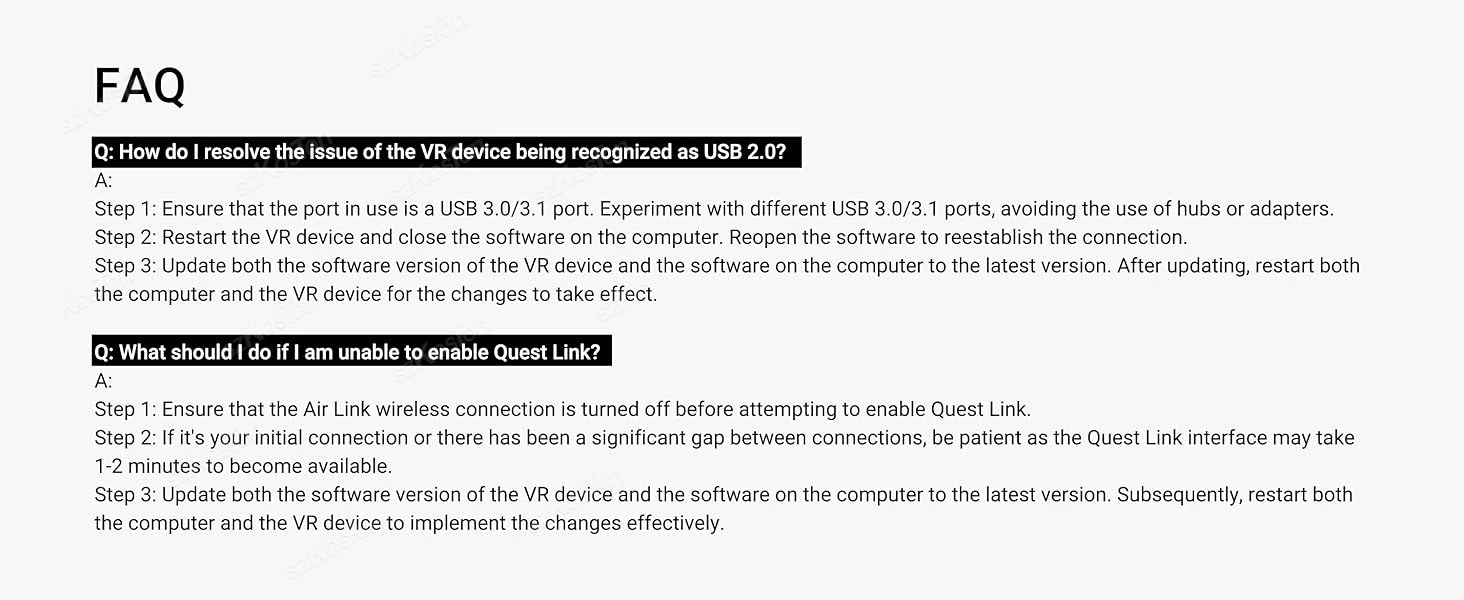
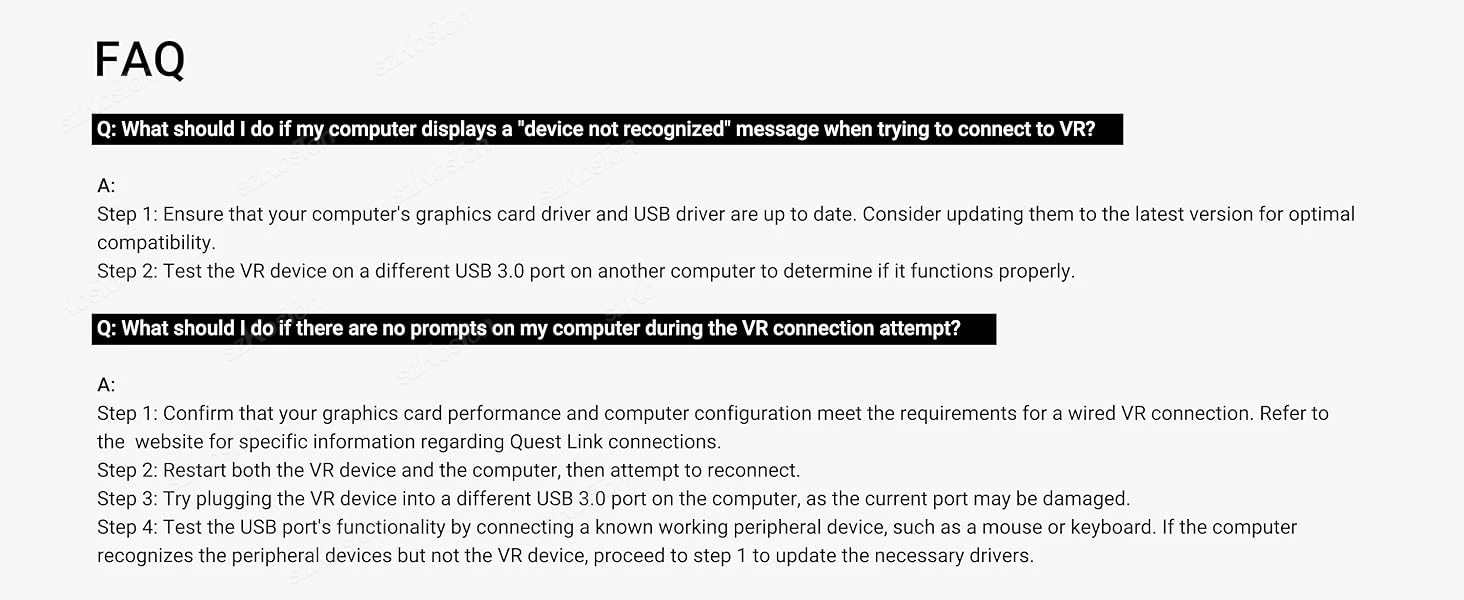
Note: To ensure a stable and high-performance wired link, please update your VR headset system and computer link software to the latest version, and restart them. The outdated version may cause connection failures.